

Browser Client Technical Architecture
This page is adapted from NetBird documentation. NetBird is the upstream open-source project that QuFabric builds upon.
The NetBird Browser Client enables secure remote connections directly from web browsers without requiring client software installation. This document provides a technical overview of the Browser Client's architecture, implementation, and security model.
Architecture Overview
The Browser Client architecture implements a complete NetBird peer in the browser environment. All connections are made directly from the user's browser to target peers - the management server never connects to or proxies connections to target machines. It only handles peer registration, configuration, and key distribution.
Core Components
The Browser Client runs two WASM modules: the QuFabric client (which handles SSH, WireGuard tunneling, and networking) and IronRDP (for RDP protocol handling).
1. WebAssembly QuFabric Client
The heart of the Browser Client is a QuFabric peer compiled to WebAssembly (WASM):
- Language: Go using Go's native WASM support
- Runtime: Executes in the browser's WASM sandbox
- WireGuard: Uses the standard wireguard-go
The WASM client shares the same codebase as native NetBird clients but is adapted for the browser environment. All traffic routes through QuFabric relay servers using WebSocket while maintaining end-to-end WireGuard encryption.
2. IronRDP WASM Module
The RDP functionality is provided by IronRDP, a performant RDP client compiled to WebAssembly:
- Language: Rust compiled to WASM
- License: Copyright (c) 2022 Devolutions Inc., licensed under the Apache 2.0 or MIT license
- Runtime: Executes in the browser's WASM sandbox
- Protocol: Handles RDP protocol encoding/decoding
- Proxy Component: Uses the RDCleanPath proxy client component
IronRDP communicates with target RDP servers through a custom Go-based RDCleanPath bridge that runs within the QuFabric WASM client, routing traffic through QuFabric tunnels.
3. Protocol Bridges
SSH Bridge
SSH connections are handled by the QuFabric WASM client with a browser-based terminal UI:
- SSH Client: Implemented by the QuFabric client
- Terminal UI: xterm.js provides the terminal interface
- Connection: The SSH client connects to QuFabric's embedded SSH server (port 44338) on target peers
RDP Bridge
RDP connections use the IronRDP WASM module with a custom RDCleanPath bridge:
- Client-side: The RDCleanPath proxy component from IronRDP runs in the IronRDP WASM module
- Server-side: A custom Go implementation of the RDCleanPath server runs within the QuFabric WASM client
- Function: Bridges RDP traffic from the RDCleanPath proxy through QuFabric tunnels to the target RDP server
- Security: Handles certificate validation and caching
Management Server
To support the Browser Client functionality, the QuFabric management server uses two resources:
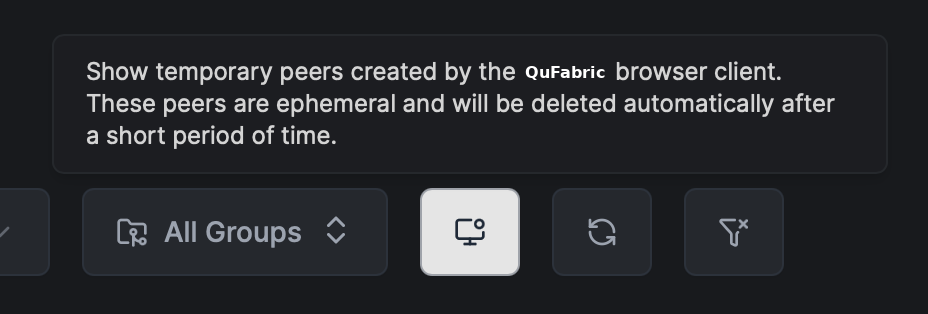
Temporary Peer
The WebAssembly QuFabric Client will register as a temporary peer with the management server. The temporary peer will live as long as the connection is active.
Once the connection is closed, the temporary peer will be automatically removed from the management server. This happens after 10 minutes of inactivity.
For the WebAssembly QuFabric Client all peers will be named as {browser}-browser-client (e.g. safari-17-browser-client).
Temporary Policy
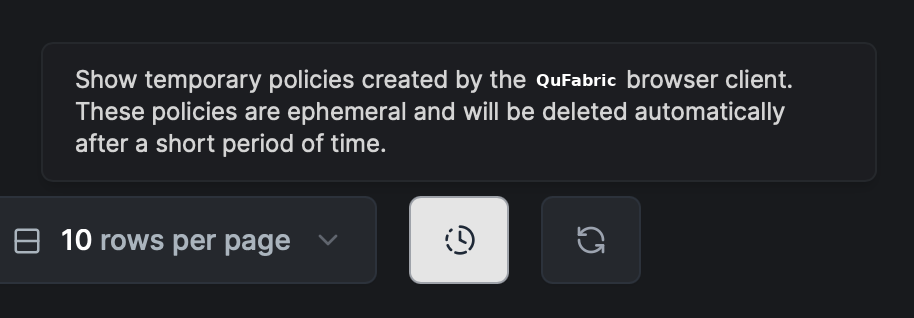
To allow the registered WebAssembly QuFabric Client to connect to the target peer, a temporary policy will be created. The temporary policy will allow access to the target peer on ports 22 (SSH), 3389 (RDP).
The policy will be created P2P with no groups required. This way the client will only connect to one other peer. Once either of the peers (source or destination) is removed, the temporary policy will be automatically removed from the management server.
The policies for the WebAssembly QuFabric Client will be named as Temporary access policy for peer {browser-client-name} (e.g. Temporary access policy for peer safari-17-browser-client).
Connection Flow
1. Temporary Access Registration
The Browser Client uses QuFabric's temporary access mechanism:
- Generate WireGuard key pair:
- Browser JavaScript generates a WireGuard key pair
- The public key is used for peer registration
- The private key is passed to the WASM client for authentication with the management server
- Request temporary access via the
/peers/{peerId}/temporary-accessendpoint:
- Requires admin privileges: Uses the logged-in dashboard user's credentials to create resources
- Creates a short-lived peer with auto-expiry
- Establishes temporary ACL rules (
tcp/22,tcp/3389,tcp/44338) - Associates the peer with the requesting user
- Pre-registers the peer instead of letting the WASM client register (enables immediate ACL application and proper cleanup)
- Authentication:
- The browser client uses the pre-generated WireGuard key pair for authentication with the management server
- This bypasses the usual JWT/OIDC or setup key flow used during peer registration
- Normal clients: JWT/OIDC or setup key for initial registration → then the WireGuard key for auth and encryption
- Browser client: Pre-registered with a WireGuard key → the WireGuard key is used directly for auth and encryption
2. Data Flow
Once connected, data flows through multiple layers:
User Input → Browser Events → [WASM: Protocol Client (SSH/IronRDP) → QuFabric Tunnel] →
WebSocket → Relay Server → Target Peer → Target Service
The return path follows the reverse flow for responses.
Packet Encapsulation
Traffic is encapsulated through multiple protocol layers:
- Application Layer: SSH/RDP protocol packets
- TCP Layer: Application packets wrapped in TCP segments
- WireGuard Layer: TCP segments encapsulated in encrypted WireGuard frames
- Relay Protocol: WireGuard frames wrapped in relay protocol frames
- WebSocket Layer: Relay frames transmitted over WebSocket connection
- TLS Layer: WebSocket connection secured with TLS
- Standard Network Stack: TCP/IP and lower OSI layers handle final transmission
This multi-layer approach ensures end-to-end encryption (WireGuard) while enabling browser compatibility (WebSocket/TLS) and relay-based transport.
Network Architecture
WebSocket to gRPC Proxy
The Browser Client communicates with QuFabric services through WebSocket proxies:
- Management Server: WebSocket to gRPC proxy at the
/ws-proxy/managementendpoint - Wraps gRPC stream bytes in a WebSocket connection
- Enables the browser to communicate with the gRPC-based management API
- Signal Server: WebSocket proxy at the
/ws-proxy/signalendpoint for the signaling protocol - Relay Servers: WebSocket connections for WireGuard tunnel transport
These proxies run alongside the respective QuFabric services and translate between browser-compatible WebSocket and internal gRPC protocols.